
How You Are Tracked Online (Without Knowing)


A simple informational webpage

What is data tracking?

Data tracking is when websites, apps, or online platforms collect small pieces of information about what you do on your phone, tablet or computer.

Think of it like leaving tiny footprints everywhere you go online, businss follow these footprints to learn what you like.

Example of the data collected

  • Videos you watch
  • Things you search online
  • Games you play
  • Items you click on


How is data tracking used for targeted advertising?

Once that companies tarck your data, and learn what you like, they have algorithms that show you ads that match your interests.

Trageted advertsiing is method companies use to sell more products.

Examples of targeted advertising:

  • If you watch a lot of cats videos, you may start seeing ads of cats toys, cat merch, etc
  • If you search for shoes, you may strat seeing ads on website of the same shwos you searched for.

By Yenia Vasquez

ENC2135 · Fall 2025 · Florida State University


Common tracking techniques

Cookies

Cookies ae tiny files saved on your device. They help the websites work, but they can also track your habits. They remember things like:

  • What you have on your Amazon shopping cart
  • Which pages have you visited
  • Which ads you avoid

App trackers

Many apps includ etrackers inside the. Apps use these to improve their features or show ads. These trackers monitor:

  • how log you use the app
  • which buttons you press

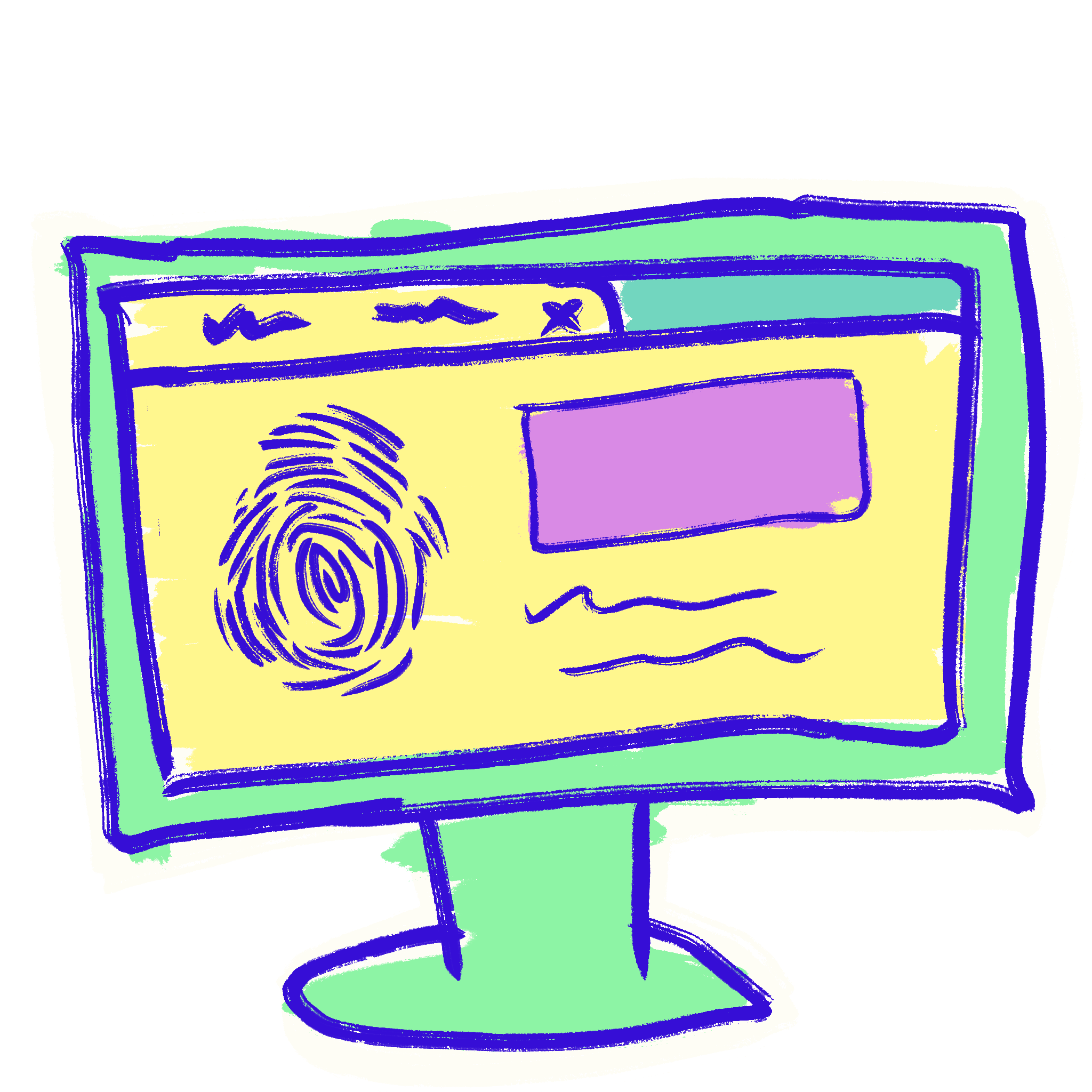
Fingerprinting

This is when a website collects information about the device you are using to look at the webiste. These helps websites to recognzie yoru device without the need of cookies. Details fingerpinting collect:
  • Screen size
  • operating system
  • Browser type
  • language setting

Location tracking

Some apps use your location to guess where you are. This might be used for maps, weather, or local ads.


What can normal everyday people do to protect themselves?

  1. Check your privacy settings
    Most apps and websites let you turn off some tracking. Look for settings called “Privacy,” “Permissions,” or “App Settings.”

  2. Limit app permissions
    Only allow apps to use things they truly need, like: camera, location, microphone.
    If an app asks for more than it needs, you can say no.

  3. Use a browser that cares about privacy
    Some browsers block many trackers automatically.

  4. Clear cookies sometimes
    Most browsers let you clear cookies with one button. This resets some tracking.

  5. Be careful what you click
    Ads and links can lead to more tracking. Click only things you trust.

  6. Keep your device updated
    Updates often include better security.

  7. Think before sharing
    You do not have to share your real name, phone number, or location unless it is truly required.